The Essential Guide to Gaming T-Shirt Design for Creators
For anyone passionate about gaming culture, creating merchandise that resonates with the community is a thrilling prospect. Yet, the path from a brilliant idea to a professional, ready-to-print t-shirt design can be filled with technical hurdles. This is where a foundational resource like Gaming T-shirt Design 101 comes into play. It serves as a crucial toolkit, demystifying the design process for creators of all skill levels.
What Is Gaming T-shirt Design 101?
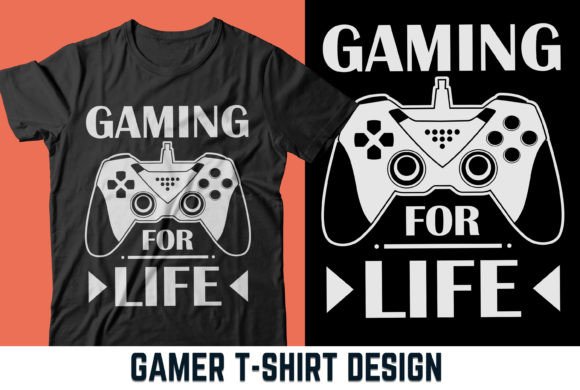
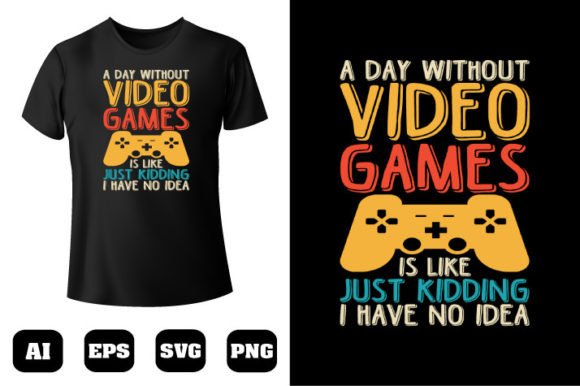
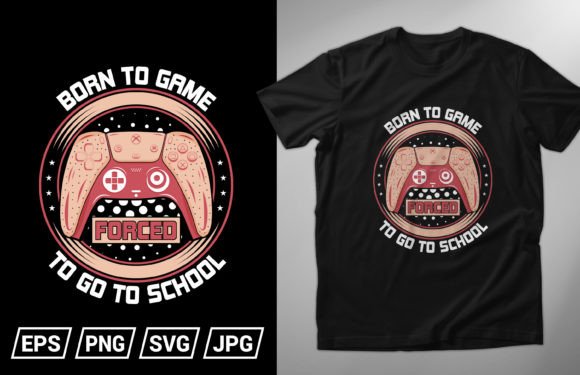
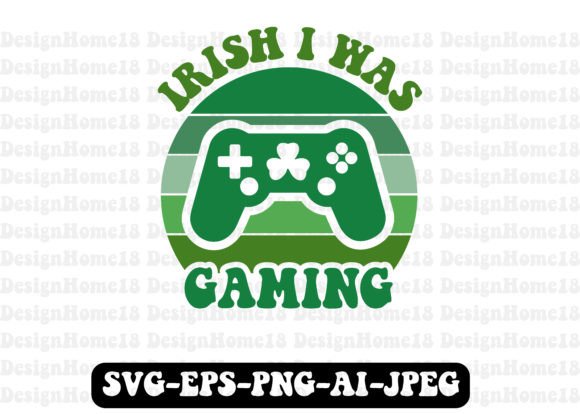
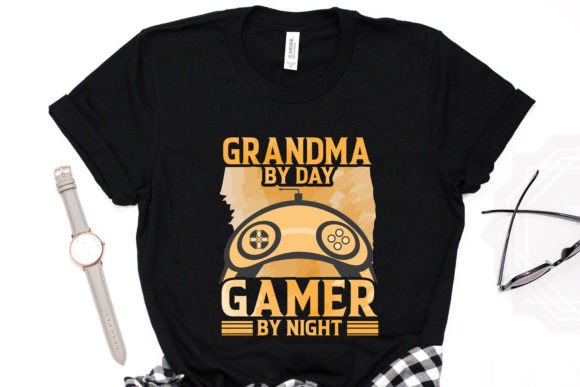
At its core, Gaming T-shirt Design 101 is a comprehensive digital asset pack designed specifically for creating gaming-themed apparel. It isn't just a single graphic; it's a versatile collection of 100 vector shapes and design elements tailored to the gaming niche. Think of it as a professional starter kit that provides the building blocks for unique t-shirt designs, eliminating the need to create every icon, character silhouette, or controller graphic from scratch.
The primary purpose of Gaming T-shirt Design 101 is to bridge the gap between creativity and production. It empowers designers, streamers, small business owners, and even gaming communities to produce high-quality merchandise without requiring advanced vector illustration skills. By providing editable, scalable components, it turns focus back to the creative arrangement and personalization of the design, rather than the tedious groundwork.
Decoding the Key Features and Their Value
The true power of this resource lies in its thoughtfully included features. Each one addresses a common pain point in custom apparel design.
- Ready to Print & High Quality 300 DPI: This is the gold standard for print-ready artwork. Designs created with these assets are ensured to be crisp and clear, whether printed on a single shirt or scaled for a large batch order, preventing blurry or pixelated final products.
- Adobe Illustrator CC Version & Easy to Edit: While provided in Illustrator's native .AI format, the files are also included in versatile .EPS and .SVG formats, making them accessible in other vector software. The "easy to edit" promise means elements are logically grouped and layered, allowing you to change colors, move components, and resize without frustrating technical lock-in.
- 100 Color Changeable Elements: This feature offers immense creative freedom. A single gamepad vector can be changed to match a team's colors, a platform's brand scheme, or a specific game's aesthetic, allowing for endless customization from a base set of shapes.
- 100 Vector Shapes Re-sizable: Being vector-based means every shape, from a tiny loot box to a large character portrait, can be scaled up or down infinitely without any loss of quality. This allows for seamless integration into different t-shirt layouts—center chest, full-back prints, or sleeve graphics.
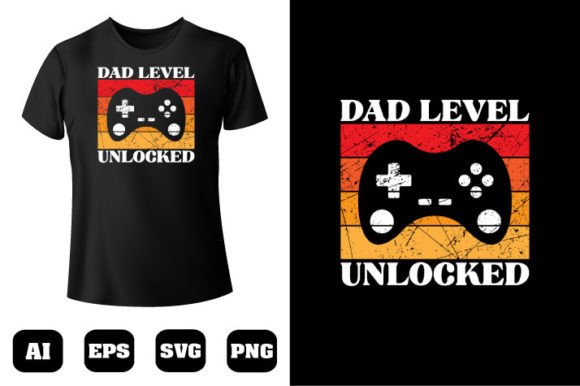
- File Formats Included: AI, EPS, PNG, SVG: This multi-format approach covers the entire workflow. Use .AI/.EPS for professional editing and scaling, .SVG for web-based design tools or cutting machines, and the provided .PNG for quick mock-ups or digital use.
Who Benefits from This Design Toolkit?
The application of Gaming T-shirt Design 101 extends far beyond just individual hobbyists. Its versatility serves a wide spectrum of users.
- Content Creators & Streamers: Streamers looking to build their brand can quickly create unique merch that reflects their channel's personality, using recognizable gaming icons personalized with their logo or catchphrases.
- Small Business & Startup Owners: For an online store focusing on geek culture, this toolkit drastically reduces design time and cost. It enables quick prototyping of new t-shirt lines themed around specific genres (e.g., RPG, FPS, retro).
- Gaming Communities & Teams: Esports teams or gaming clubs can produce uniform merchandise for members, customizing colors and layouts to foster a sense of identity and belonging.
- Graphic Designers New to Merch: Even professional designers venturing into apparel for the first time can use it as a base to expedite client projects, ensuring print-ready quality from the start.
Practical Scenarios and Real-World Applications
Imagine a streamer whose brand is centered around retro platformer games. They can take the classic controller and pixel-art style vectors from Gaming T-shirt Design 101, change the colors to a nostalgic 8-bit palette, combine them with their channel name, and have a professional back-print design ready for their printer in an afternoon.
Consider an online store launching a "Battle Royale" themed shirt collection. The designer can use the weapon, trophy, and explosive shape vectors, resize and arrange them dynamically, apply a consistent color scheme of fiery reds and oranges, and output a cohesive series of designs using the same core assets, ensuring brand consistency across products.
Evaluating Its Suitability for Your Project
While Gaming T-shirt Design 101 is incredibly powerful, it's important to assess its fit for your specific needs. Its strengths are in providing a foundational, customizable, and quality-assured component library. It excels when your vision involves assembling and personalizing professional elements into a unique layout.
A key consideration is the need for basic familiarity with vector software like Illustrator or a free alternative that supports .EPS/.SVG. The "easy to edit" feature is relative to this prerequisite. Furthermore, while it contains 100 gaming-focused shapes, it may not include a hyper-specific, obscure icon from a niche indie game. Its value is in broad applicability across the gaming genre.
The limitation, therefore, is not in quality but in absolute specificity. It is a toolkit for creation, not a repository of every possible gaming graphic. For projects requiring completely original, from-zero illustration of a unique character or scene, it serves as a complementary asset rather than the sole solution. However, for the vast majority of gaming merch ideas—which rely on recognizable symbols, controllers, badges, and abstract gaming motifs—it covers the needs comprehensively.
Guidance for Making the Most of the Resource
To effectively use this design pack, start by sketching your layout idea loosely. Then, browse the provided vectors to see which elements can fulfill the roles in your sketch—a main focal shape, supporting background elements, or border details. Import them into your software and leverage the color changeability first to establish your palette. Use the resizable property to balance your composition. Always remember to keep your final artwork at 300 DPI for print.
For those evaluating, ask yourself: Does my design concept lean on common gaming imagery and icons? Do I want to save time on the foundational illustration work? Am I comfortable with basic vector editing? If yes, then Gaming T-shirt Design 101 is likely a highly efficient and effective choice, turning your gaming merch idea from a concept into a printable reality faster than you might imagine.
Ultimately, resources like this represent a shift in how creators approach product design. They emphasize smart, reusable assets that uphold professional standards while liberating creative energy. For the vibrant world of gaming culture expression, having such a toolkit at your disposal means you can focus on what matters most: crafting a design that truly captures the spirit of the game and the community it represents.